Security

Opty
Offline 2FA
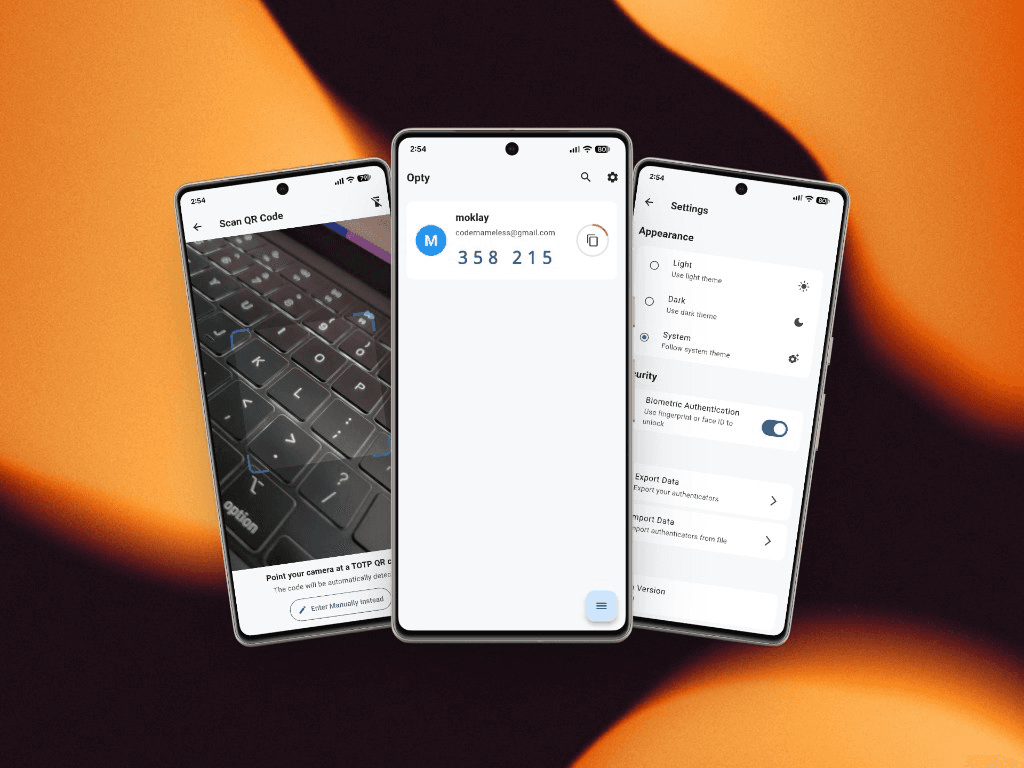
Opty is a fully offline TOTP authenticator built for privacy. There is no cloud, no backend, no syncing, and no internet permission — every code is generated and stored only on your device in encrypted form.
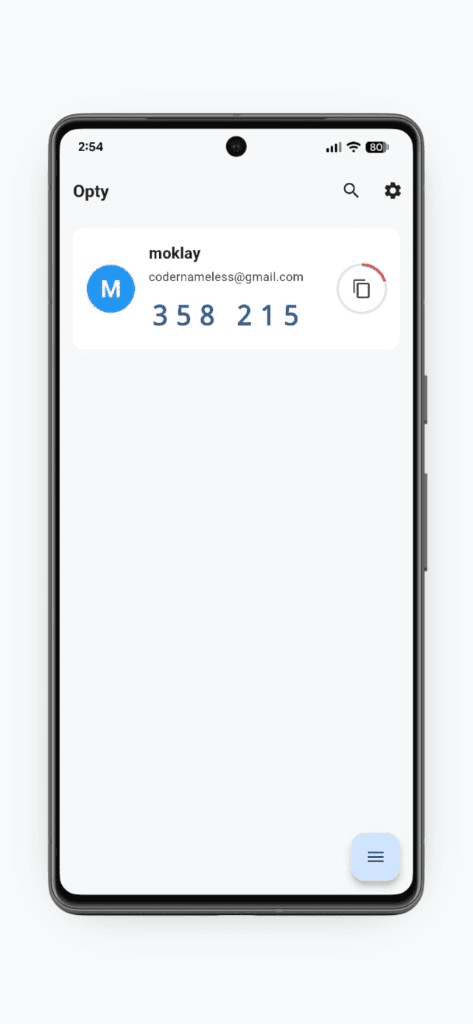
01
Codes on device
See your TOTP codes in a clear list with a live timer and one-tap copy. Secrets never leave the phone — codes are computed locally, even in airplane mode.
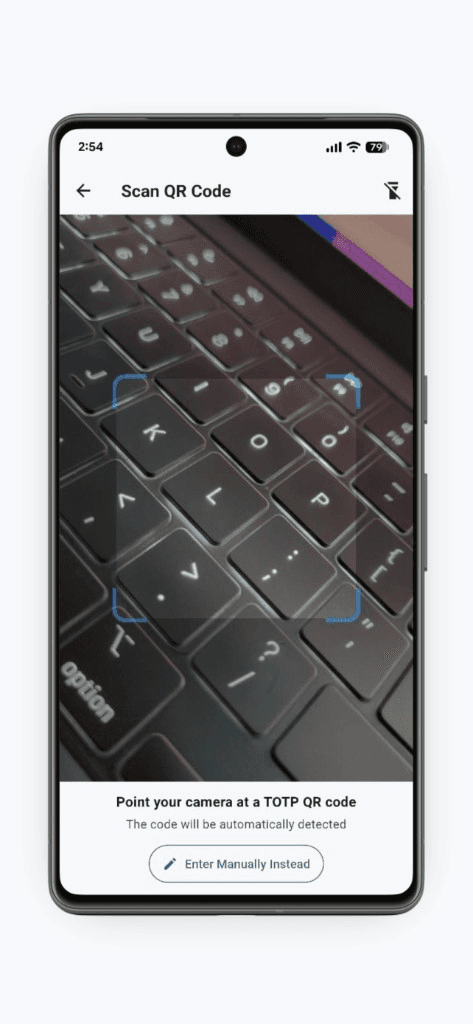
02
Add via QR or manual
Point the camera at a standard TOTP QR code to enroll an account, or enter the secret manually when a QR isn’t available. The camera is used only for scanning — nothing is uploaded.
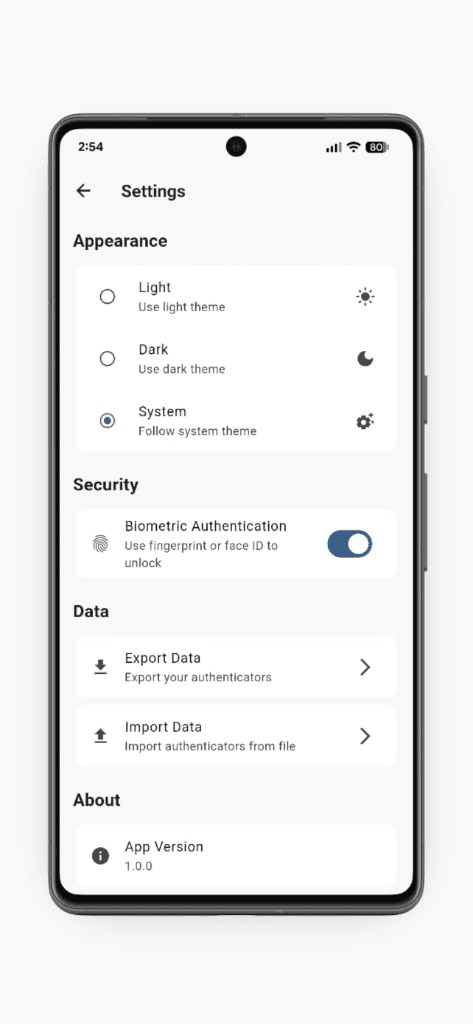
03
Local control
Light, dark, or system themes; biometric unlock; and export/import of authenticators — so you keep ownership of your setup without a vendor account or sync service.
Get Opty
Built and shipped by Diwakar IT Services as a real product — not a mock showcase.
- Fully offline TOTP — no cloud, sync, or internet permission
- Encrypted secrets stored only on-device
- QR scan or manual entry to add accounts
- Biometric unlock, themes, and local export/import
More products
Healthcare
Niti
A secure, compliance-minded clinic operations product for front desk and care teams — patients, appointments, admissions, and prescriptions with auditability built in.
Education
Spar
A local desktop gym for interview DSA — LeetCode-style workspace, a 12-week path, streaks and XP, and AI review that stays on your machine.
Fintech / Productivity
Timmy
A group expense app for shared spending — splitting costs, tracking balances, and keeping money conversations simple.
Productivity
PDF Pass
Unlock PDFs you already have the password for — entirely on your device, with no accounts and no uploads.
Product engineering
moklay
A managed URL shortener for teams and developers — organize branded short links in-app, then connect systems with a public Integration API and scoped keys.